Alerts and emergency mode, ready before you need them
Write the message once and send it everywhere: site banner, email, text message, voice call, phone notification, Bluesky and Facebook. In a crisis, one switch makes the homepage an emergency page.

What it looks like on a normal day
- When
A water main breaks on Main Street at 6 a.m.
ThenPick the boil-water template, target Ward 2, send: banner, text, voice call and email go out together, in English and Spanish.
- When
The National Weather Service issues a tornado warning
ThenA draft alert is waiting for your Emergency team, with the warning text and affected area filled in.
- When
A road reopens early
ThenEnd the alert. The banner comes down and subscribers get a short all-clear.
- When
It’s the first of the month
ThenSend the newsletter from your own news posts; it’s archived on the site for anyone who missed it.
One message, every channel
Pick a level, write a short headline, and choose who should get it: everyone or specific wards. Each person gets it once per channel, in Spanish if they asked for it.
- Banner, pop-up, email, text, voice call, web push and the Sentra 311 app
- Auto-post to Bluesky and Facebook
- Live reading level and text-message length counter
One switch for a crisis
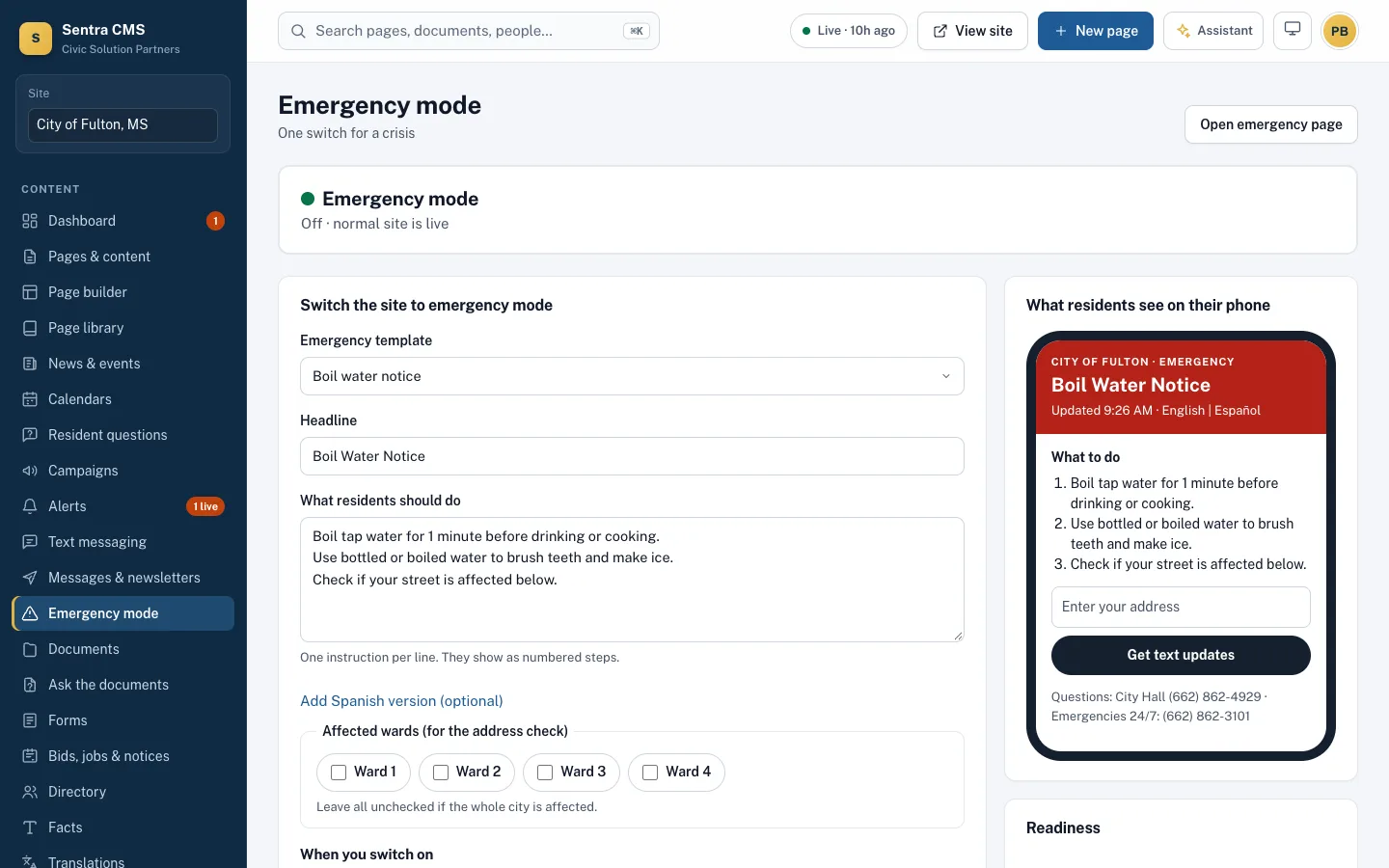
Choose a reviewed template (boil water, severe weather, flood, outage), confirm the steps, and switch. The homepage becomes the emergency page and every page shows a red notice.
- Templates in English and Spanish, reviewed ahead of time
- A light emergency page that loads fast on a weak phone signal
- Drills that don’t notify residents; every switch is in the audit log
The routine messages, too
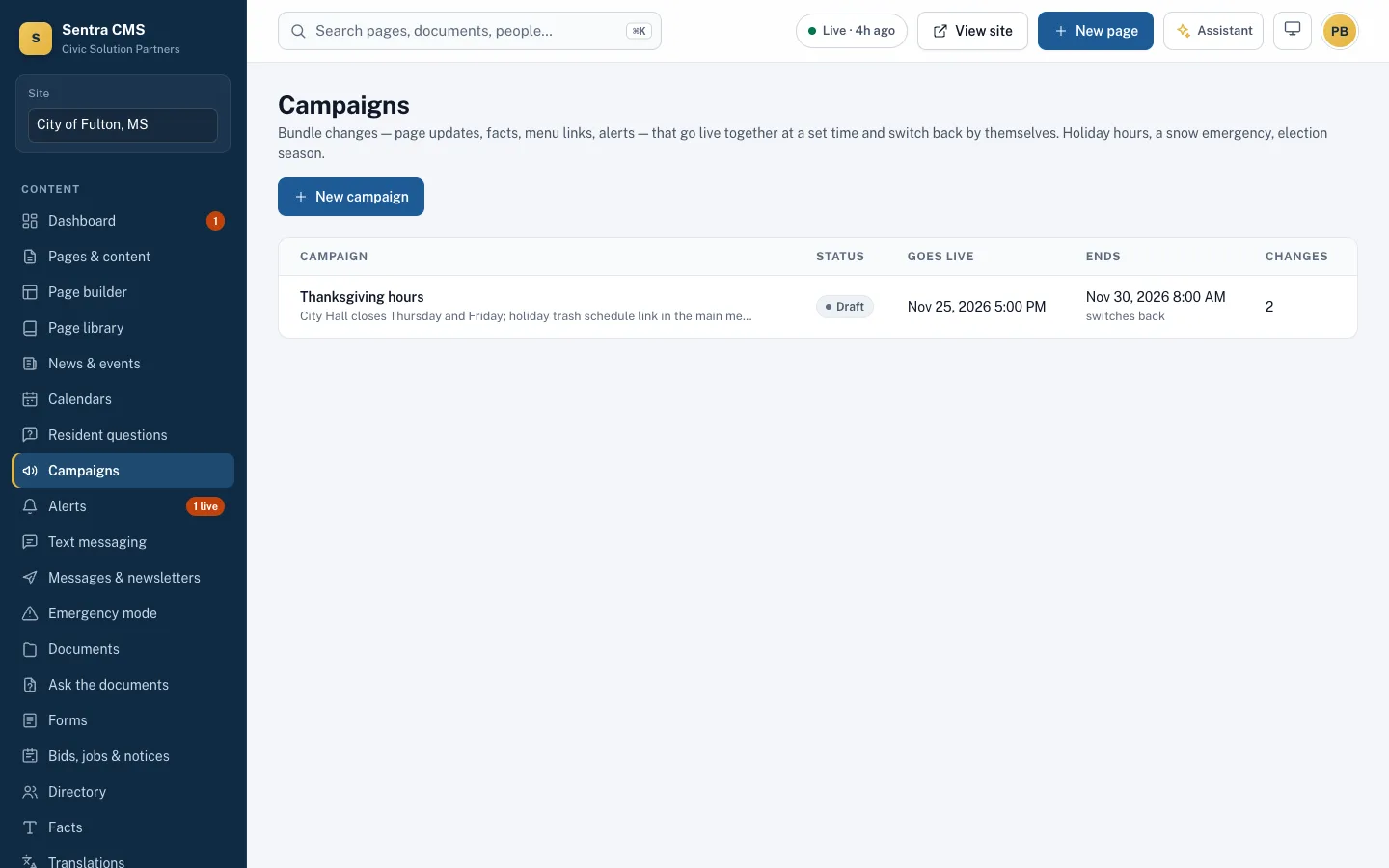
Monthly newsletters built from your news posts, topic campaigns and a public archive. Texts and email go out through your city’s own Twilio and Resend accounts, so the sender is you.
- Residents choose topics and wards
- Text keywords like TRASH and MEETING answer common questions
- Open and delivery reporting per message
Questions
Can we text and call residents?
Yes, through a Twilio account in your city’s name. Email goes through your own Resend account. Without them, Sentra CMS still shows the banner and sends phone notifications.
Who can switch emergency mode on?
Web admins and anyone you give the Emergency role. They can act alone, at any hour, without waiting for approval.
Related features
Resident portal (My City)
Address-based answers: ward, trash day, polling place, nearby alerts — plus resident accounts and push notifications.
Learn moreStaff intranet & regional sharing
Staff-only pages and announcements on the same site, and alerts and events shared with your county or neighbors.
Learn moreRoles, approvals & security
Department roles, approval workflows, MFA, Microsoft or Google sign-in, version history and an append-only audit log.
Learn moreSee Sentra CMS with your own website
We’ll scan your current site for free, then show you what it looks like on Sentra CMS, accessible from day one.