A staff intranet and a regional network, built in
Give employees their own pages, calendars and announcements behind staff sign-in — never published to the public copy. Share alerts, events and news with your county and neighboring cities.
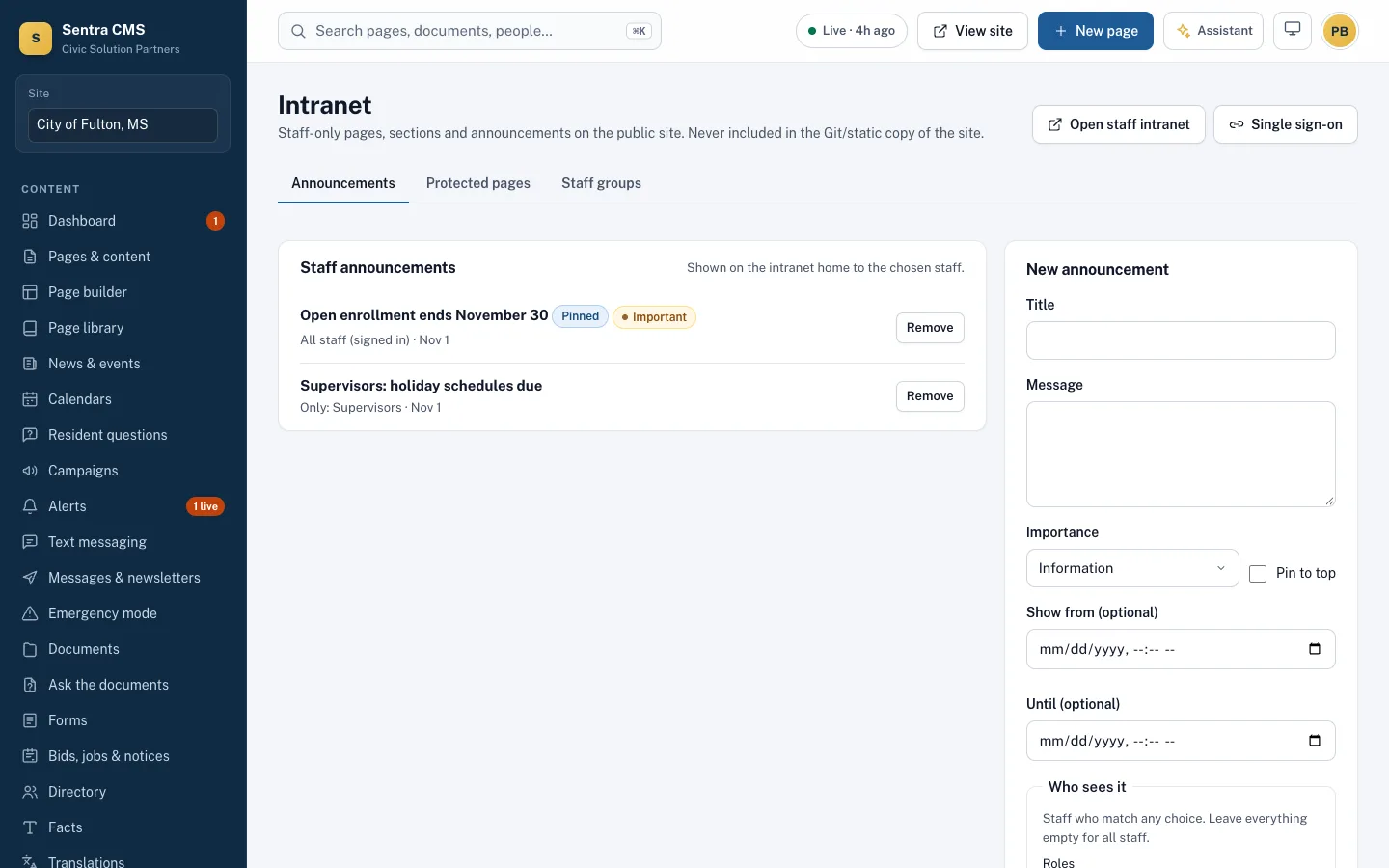
What it looks like on a normal day
- When
HR posts “Open enrollment ends November 30”
ThenIt’s pinned on the intranet home for all signed-in staff; supervisors see their own notices too.
- When
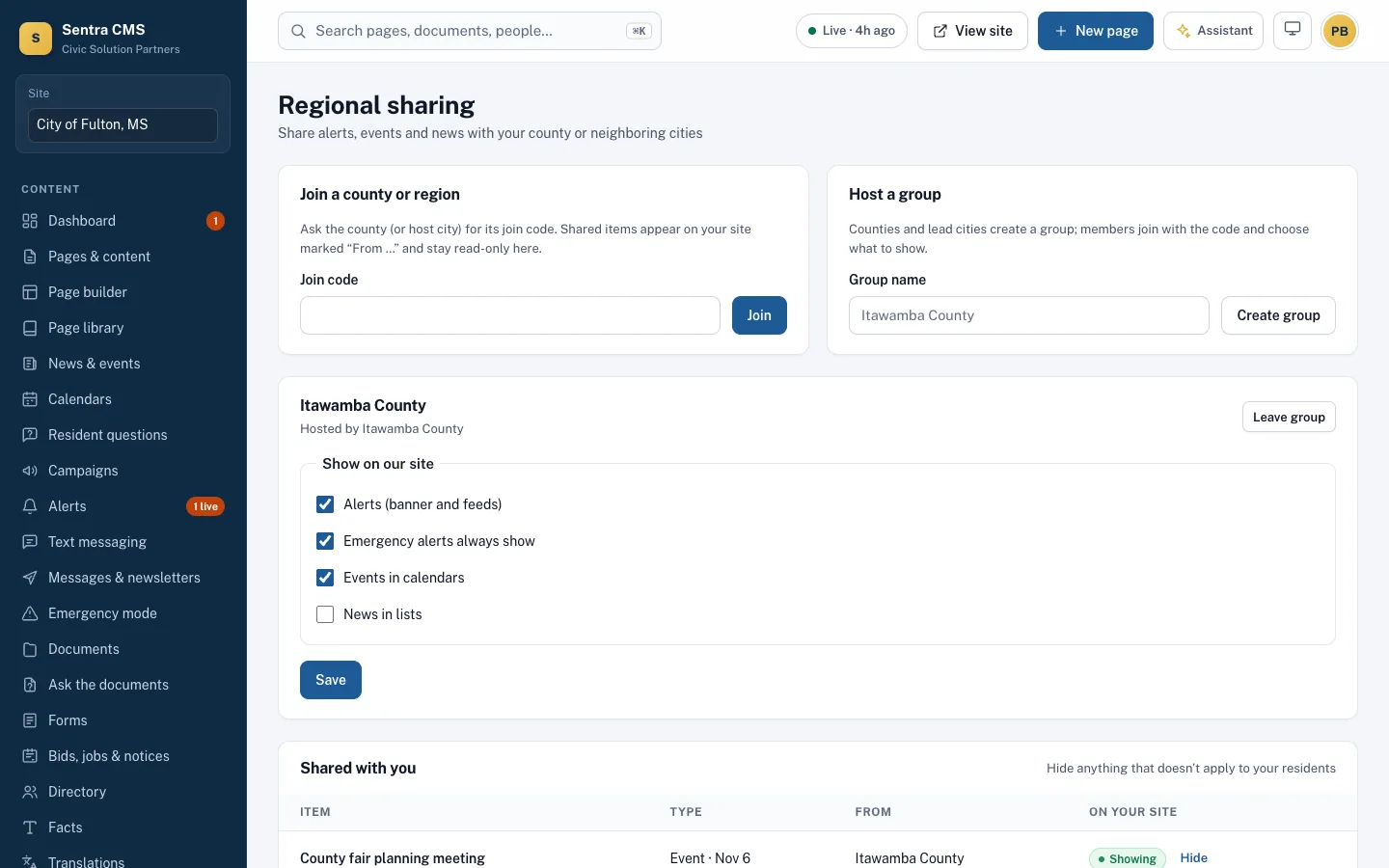
Itawamba County issues a burn ban
ThenIt shows on Fulton’s site marked “From Itawamba County”, read-only, and emergency alerts always come through.
Staff pages without a second system
Protected pages, staff calendars and announcements targeted by role or group. Staff sign in with the same account — or your Microsoft or Google SSO.
- Never included in the Git or static copy
- Announcements with start and end dates
- Staff directory and documents
Your county and neighbors, on your site
Join a group with a code, or host one for your county. Choose what appears on your site: alerts, events, news.
- Shared items are marked with their source
- Hide anything that doesn’t apply to your residents
- Emergency alerts can always show
Questions
Is the intranet on the public internet?
It’s on your site’s address but every page requires staff sign-in, and none of it is ever pushed to the public static copy or Git repository.
Related features
Roles, approvals & security
Department roles, approval workflows, MFA, Microsoft or Google sign-in, version history and an append-only audit log.
Learn moreEmergency mode, alerts & newsletters
One message to banner, email, text, voice call, push and social. One switch turns the site into an emergency page.
Learn moreMeetings & calendars (CivicCA)
CivicCA agendas, minutes and video on your site, department calendars, and website updates suggested from minutes.
Learn moreSee Sentra CMS with your own website
We’ll scan your current site for free, then show you what it looks like on Sentra CMS, accessible from day one.