AI that drafts, answers and advises — never publishes
Staff ask for changes in plain English and get drafts to approve. Residents ask questions and get answers from your own pages, with sources. Anything the site can’t answer goes to the right department.
What it looks like on a normal day
- When
“Change the pool hours to 10–6 starting May 1”
ThenThe assistant finds the three pages that list pool hours and drafts each change with a before-and-after.
- When
A resident asks “When is bulk trash pickup?” at 11 p.m.
ThenThe site assistant answers from the Trash page and links to it.
- When
“Can I keep chickens in town?” isn’t on any page
ThenThe question goes to Planning; their reply reaches the resident by email — and suggests a new FAQ.
- When
The Benefits page reads at grade 12
ThenThe content advisor flags it and offers a plain-language rewrite to review.
Your rules still apply
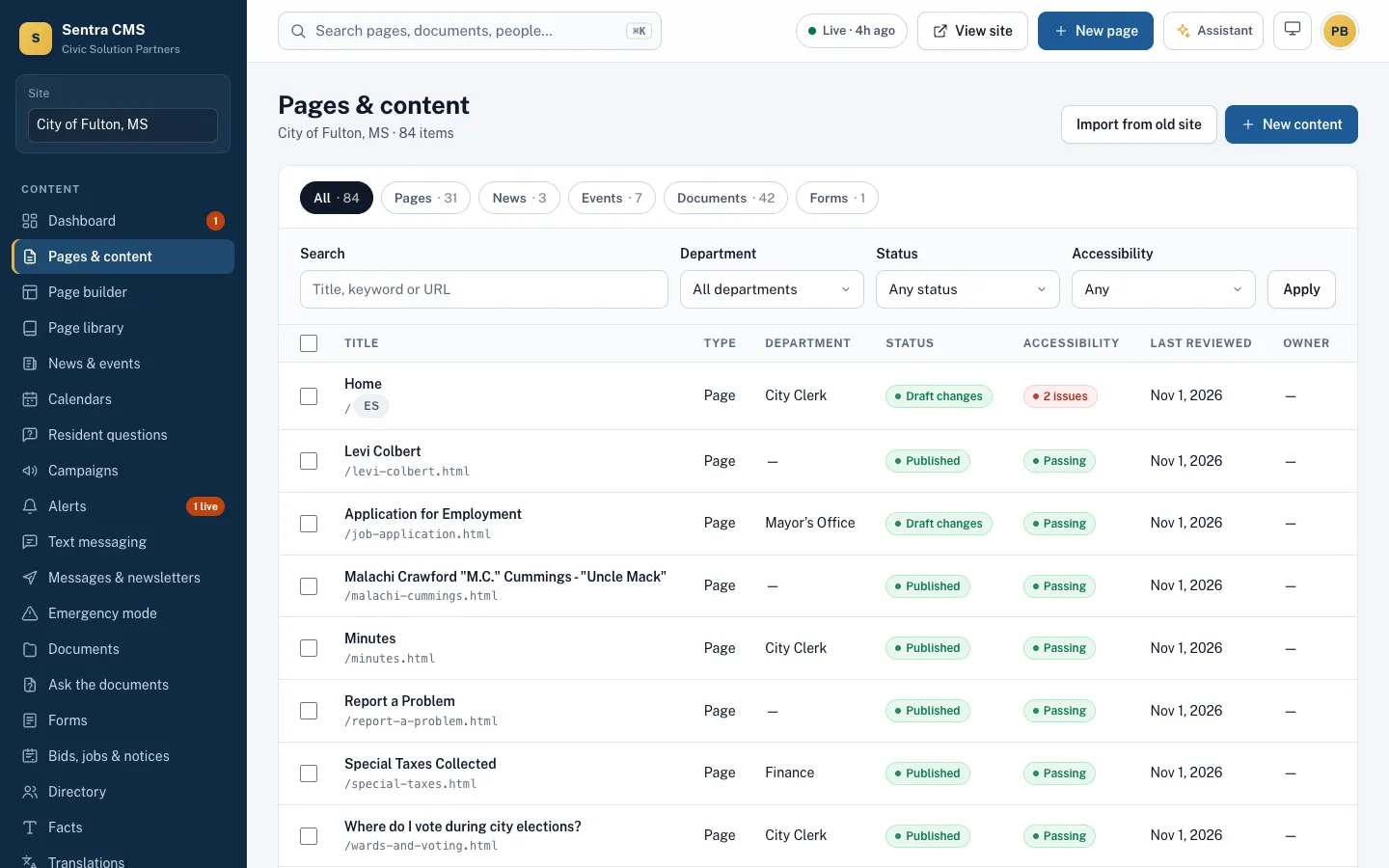
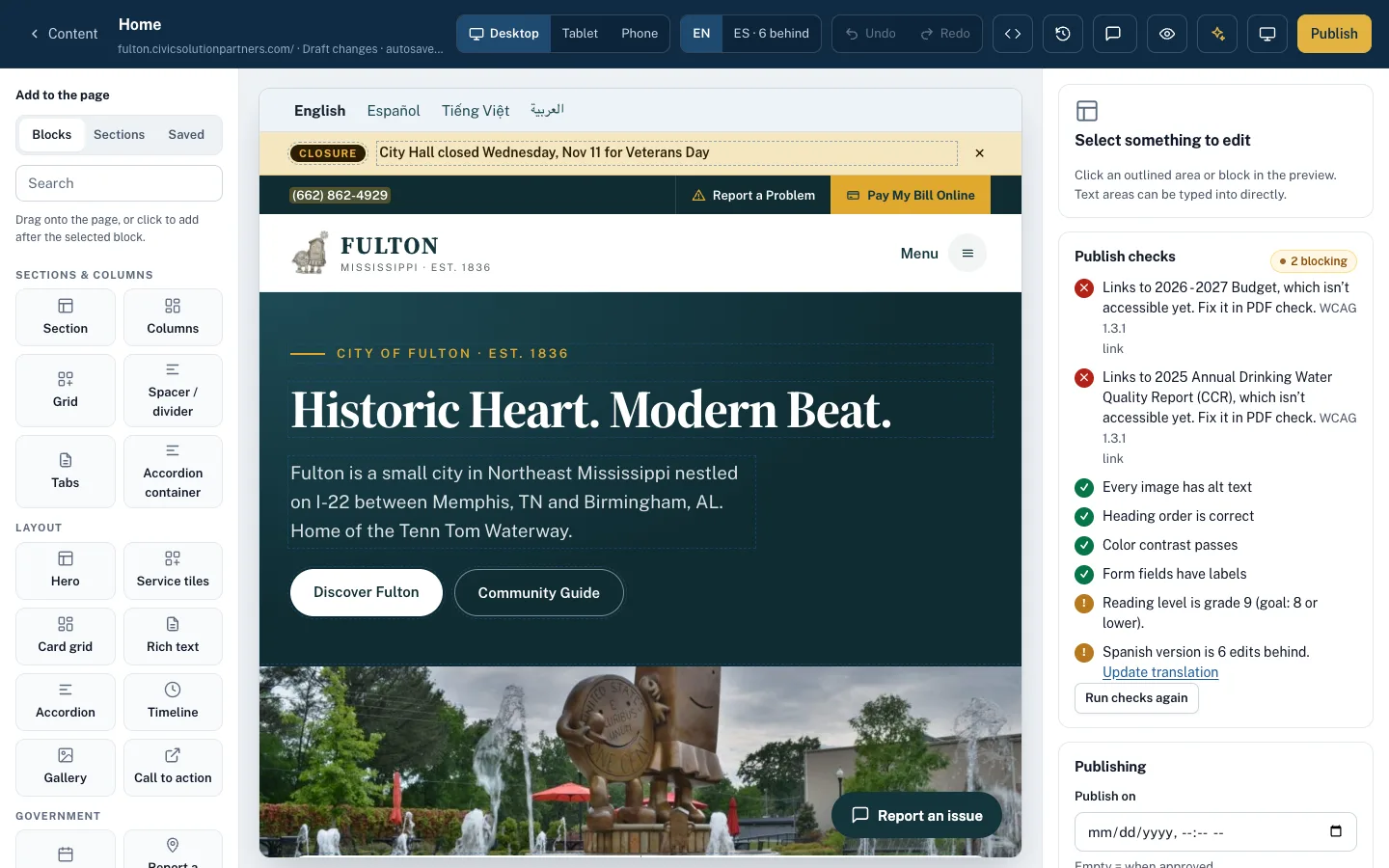
The assistant only works in departments you can edit, every change is a draft, the accessibility gate still runs, and the audit log records it as ‘Assistant on behalf of’ the person who asked.
- Plain-language rewrites and translations
- Alt text suggestions from the photo itself
- Without an AI key, every feature still works by hand
Questions answered, or routed to a person
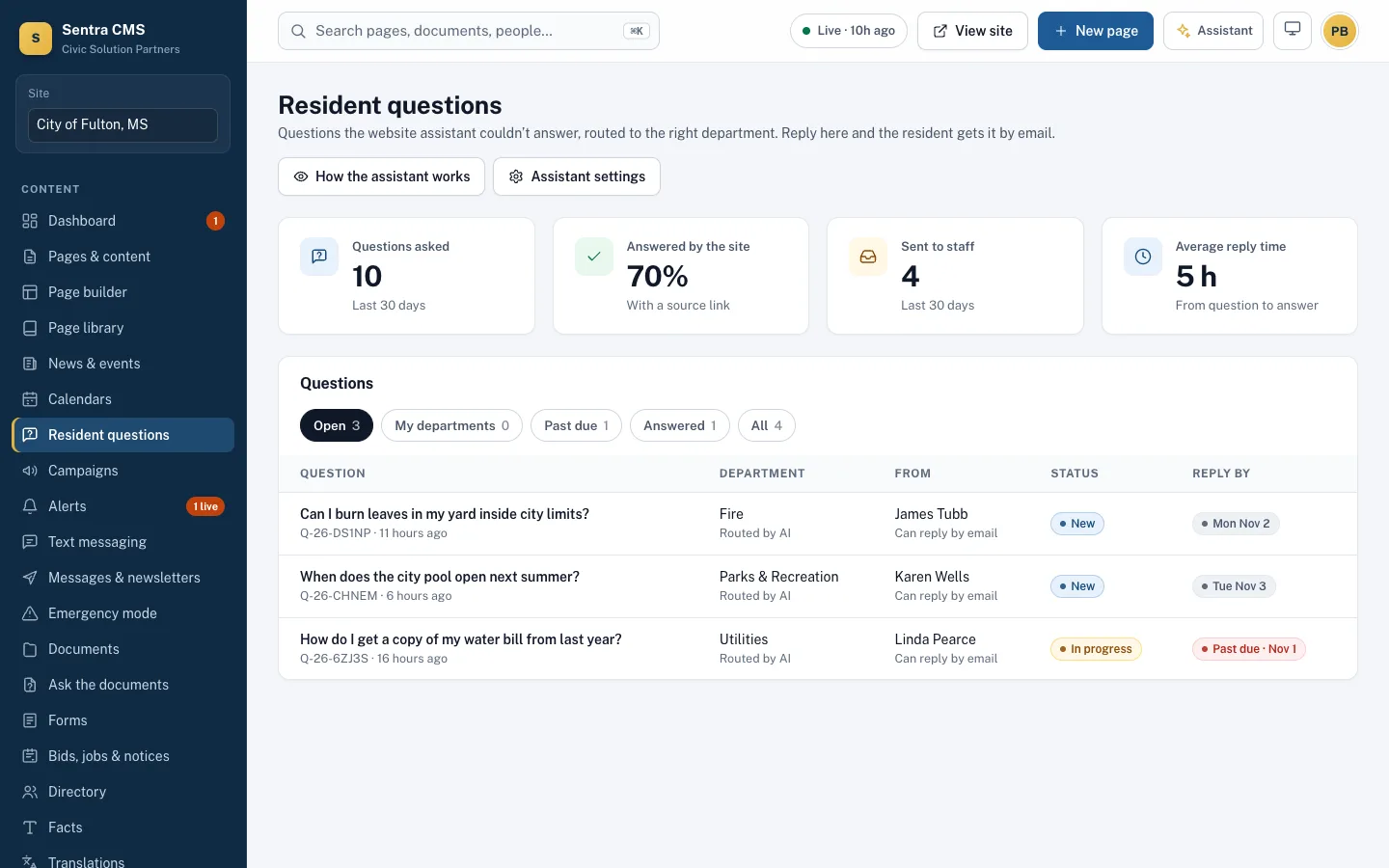
Ask the city, the resident assistant on your site, answers from your published pages, documents and FAQs, always with a source link. Unanswered questions go to the right department with a reply deadline.
- Replies reach residents by email
- A public AI transparency page explains what it does
- Turn it off any time
How findable is each page?
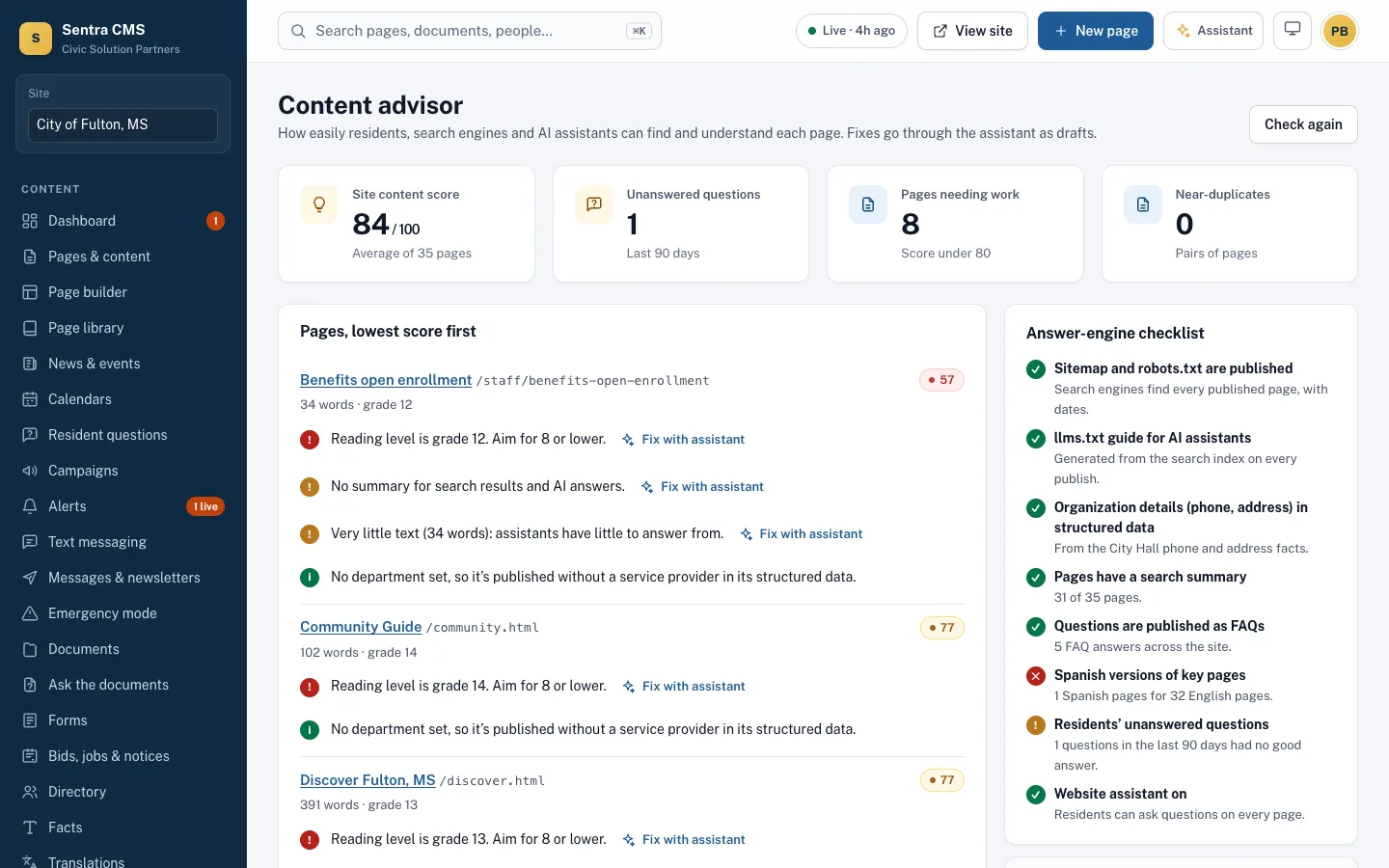
A score for every page: reading level, summaries for search and AI answers, near-duplicates and unanswered questions — with one-click fixes drafted by the assistant.
- Answer-engine checklist: sitemap, llms.txt, structured data
- Pages sorted lowest score first
- Fixes go through approval like any other draft
Questions
Does our content train an AI model?
No. Requests go to the AI provider’s API under terms that exclude training on customer data, and you can turn AI features off for your site.
Can the assistant publish?
No. It can only create drafts. A person with publishing rights approves every change.
Do residents know they’re talking to AI?
Yes. The assistant is labeled, cites its sources, and links to your AI transparency page.
Related features
Ask the documents
New: staff ask a question and get an answer from every city PDF and set of minutes, with page citations.
Learn moreSmart search
Answers from pages, PDFs, minutes and FAQs, with sources — and a report of what residents couldn’t find.
Learn moreTranslations
44 languages, machine-translated to start and approved by a person — no Google Translate bar.
Learn moreSee Sentra CMS with your own website
We’ll scan your current site for free, then show you what it looks like on Sentra CMS, accessible from day one.