Edit your city’s website right on the page
Most editors just click any text and type, and drag photos in — AI suggests the alt text. Web teams get the advanced builder: sections, columns, tabs, accordions and about 45 widgets. Layout and colors stay locked either way.
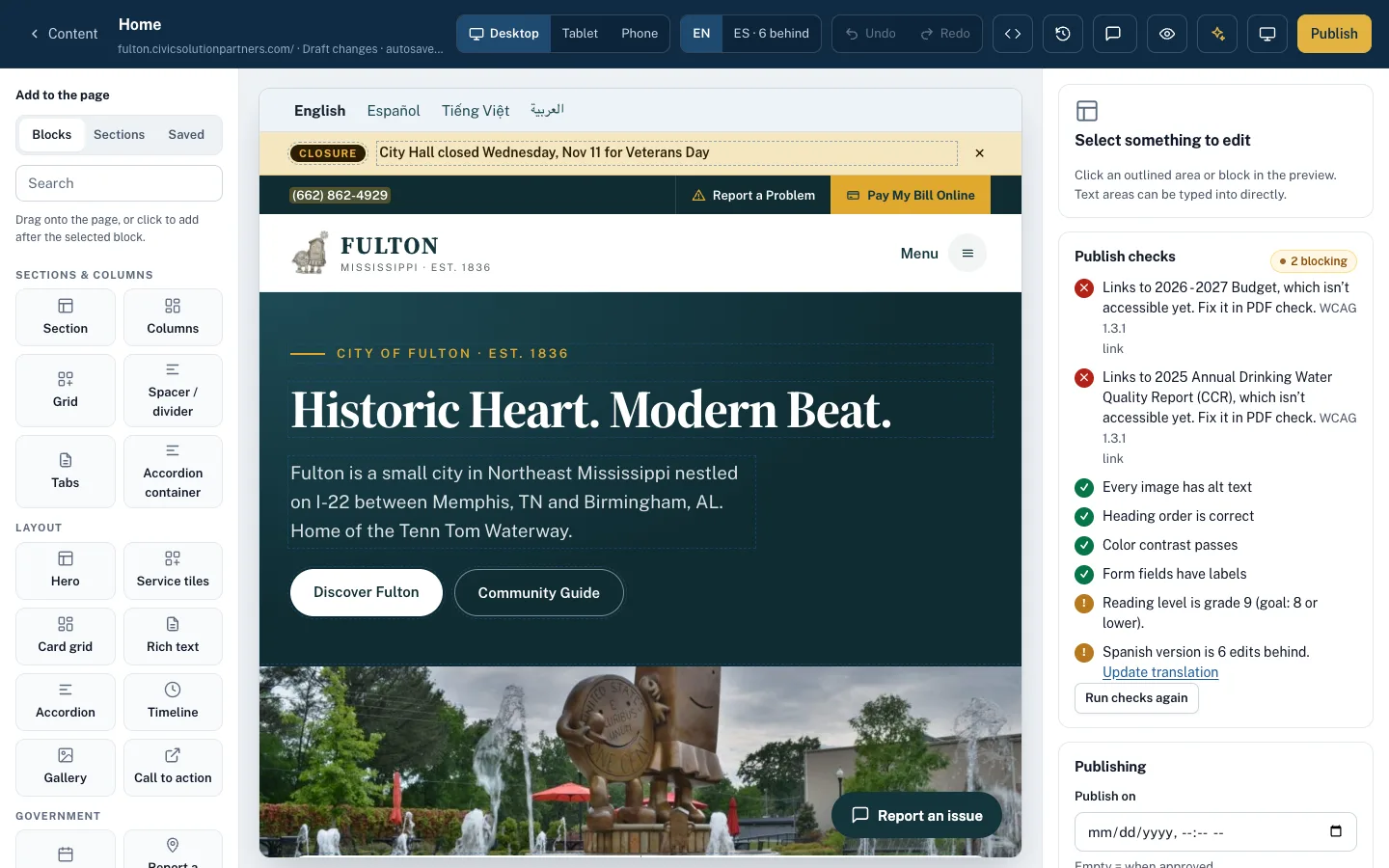
What it looks like on a normal day
- When
The library clerk needs to change Saturday hours
ThenShe clicks the hours on the live page, types the new ones and presses Publish. No training manual.
- When
Parks wants a “Summer camps” tab on the Recreation page
ThenAn editor drops in a Tabs block, types the camp details and sends it for approval. Checks pass before the department head sees it.
- When
City Hall’s phone number changes
ThenUpdate the Facts entry once. All 25 pages that show it pick up the new number on the next publish.
- When
The office-hours box appears on 12 department pages
ThenIt’s a synced module: edit it in one place and every copy updates.
Anyone who can write an email can update a page
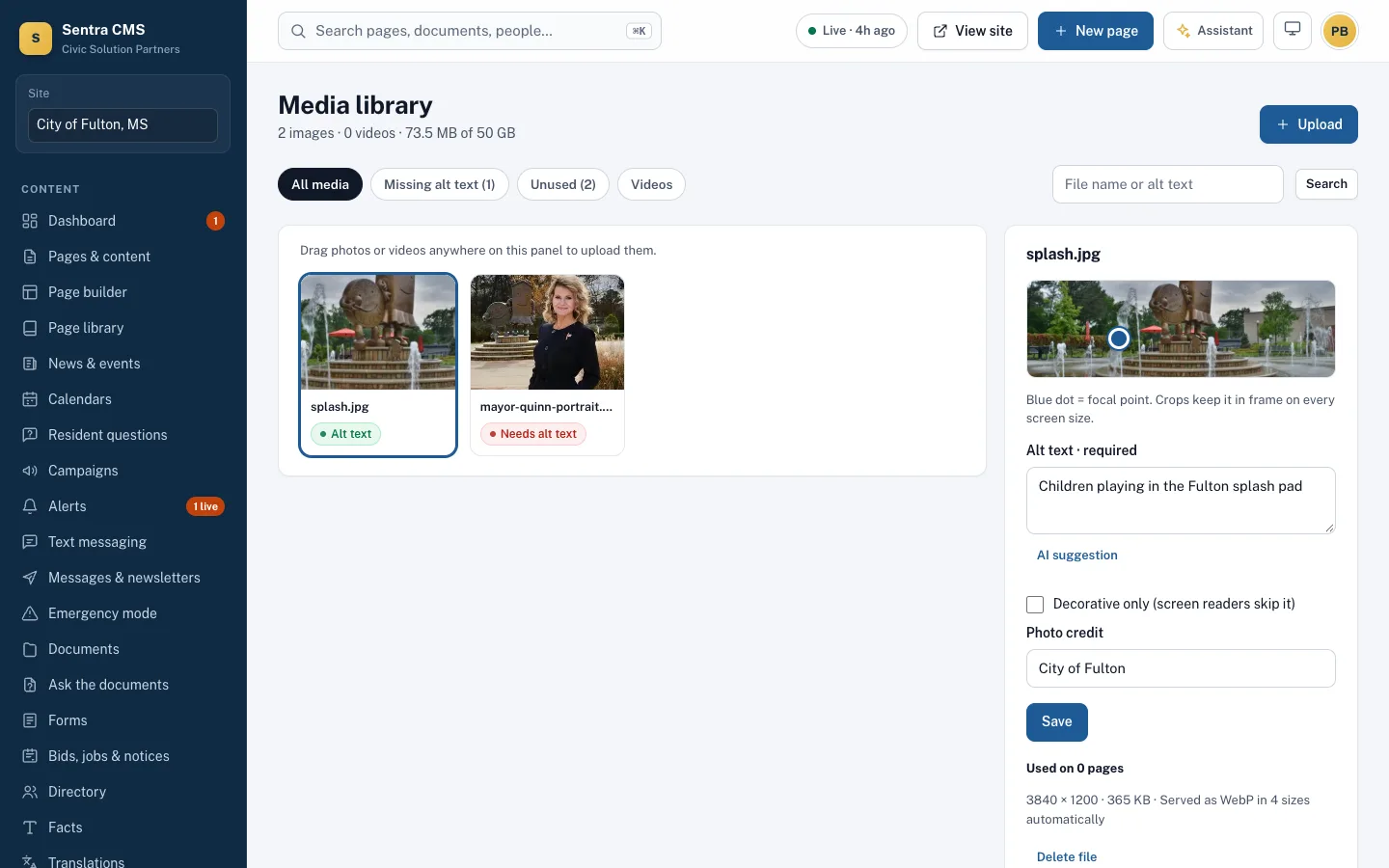
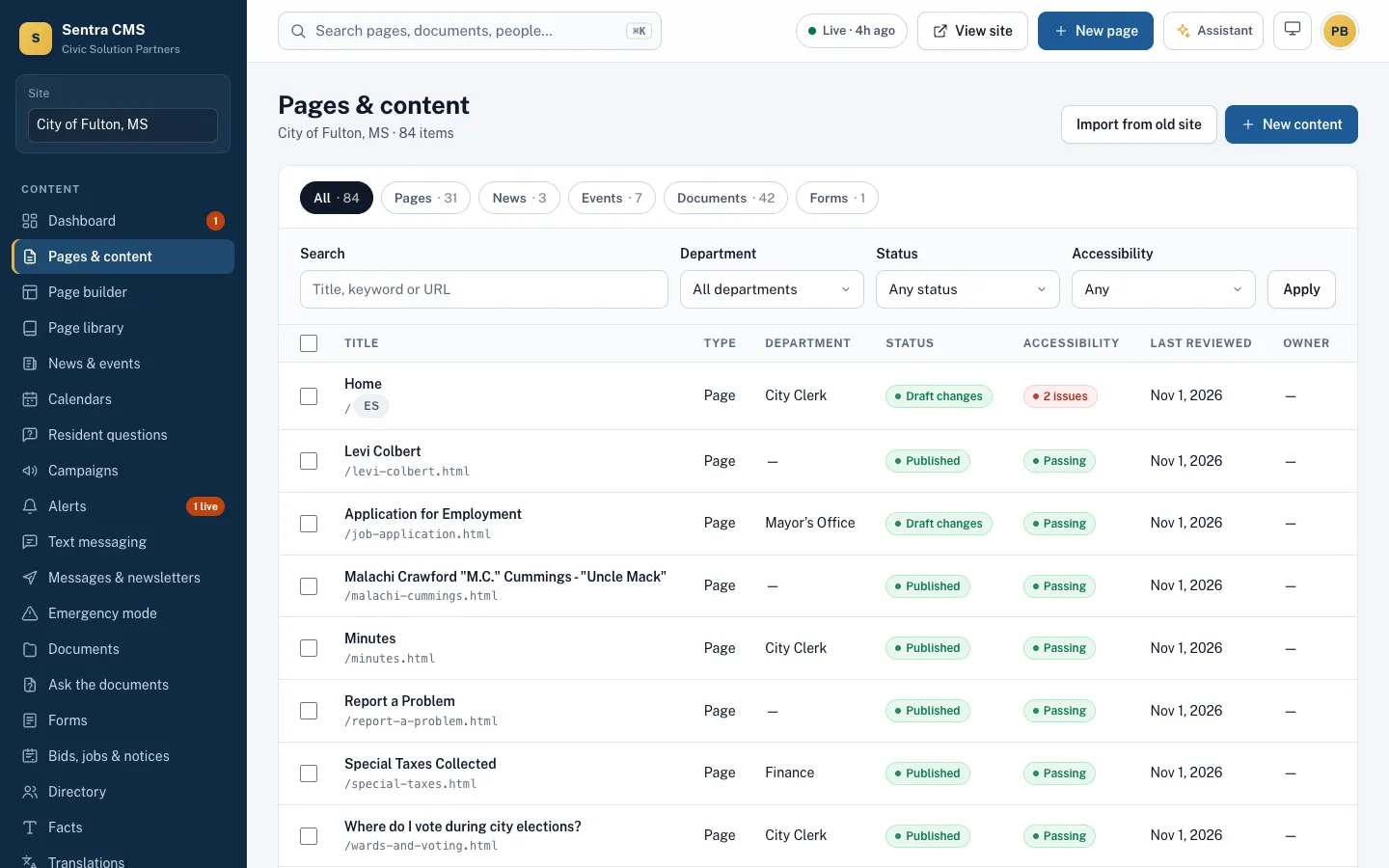
Click any outlined text and type. Drag a photo onto the page; the AI looks at it and suggests alt text for the editor to confirm. Nothing else to learn.
- Click-to-type editing on the real page
- Drag-and-drop photos with AI alt text
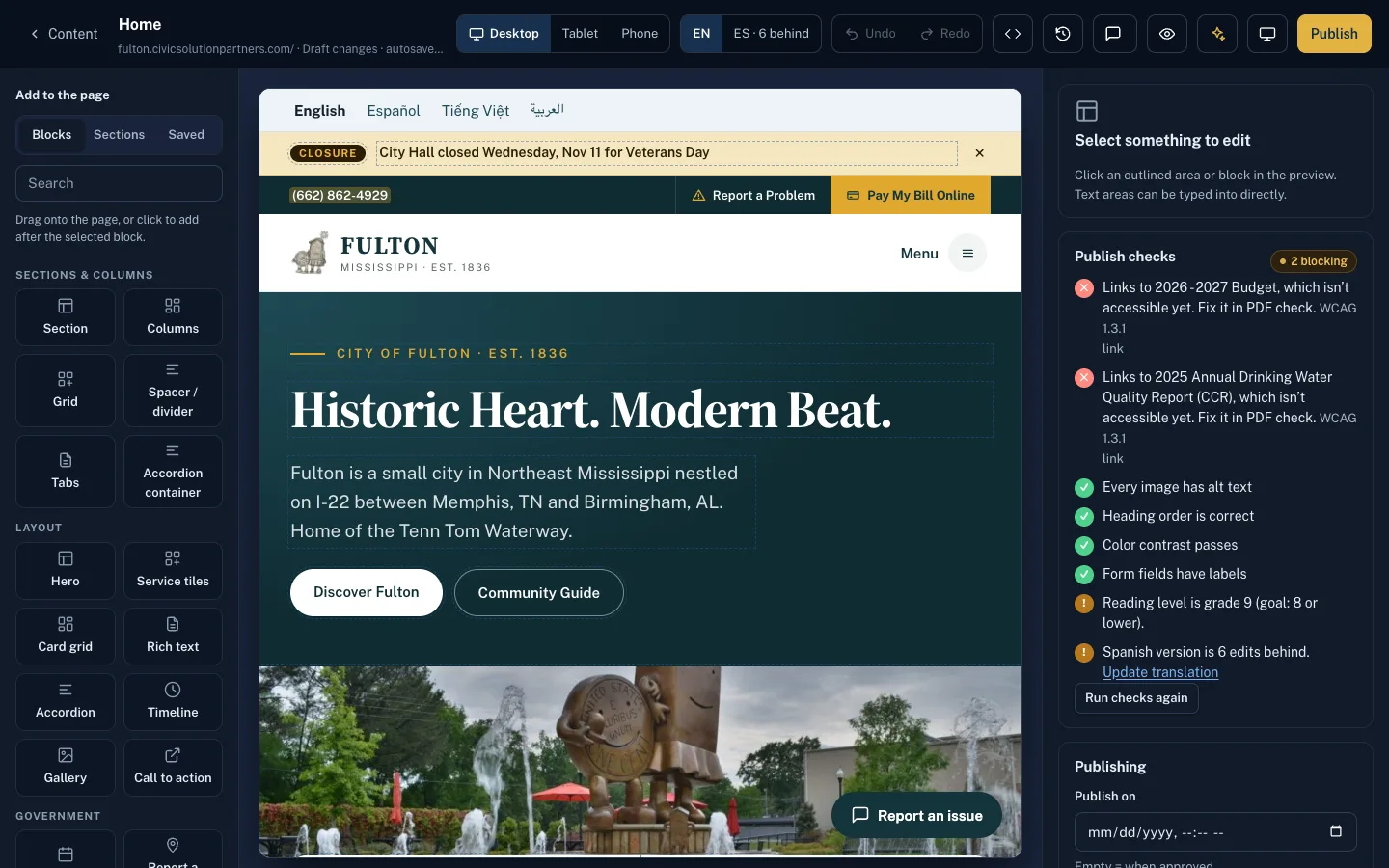
- Every change checked before it goes live
Sections, columns, tabs and accordions
Build any government page from sections and columns, then add tabs, accordions, timelines, galleries, cards and calls to action. Everything works with drag and drop — or entirely from the keyboard.
- Desktop, tablet and phone preview
- Keyboard-accessible alternative to drag and drop
- Spanish and other languages side by side
About 45 widgets for government pages
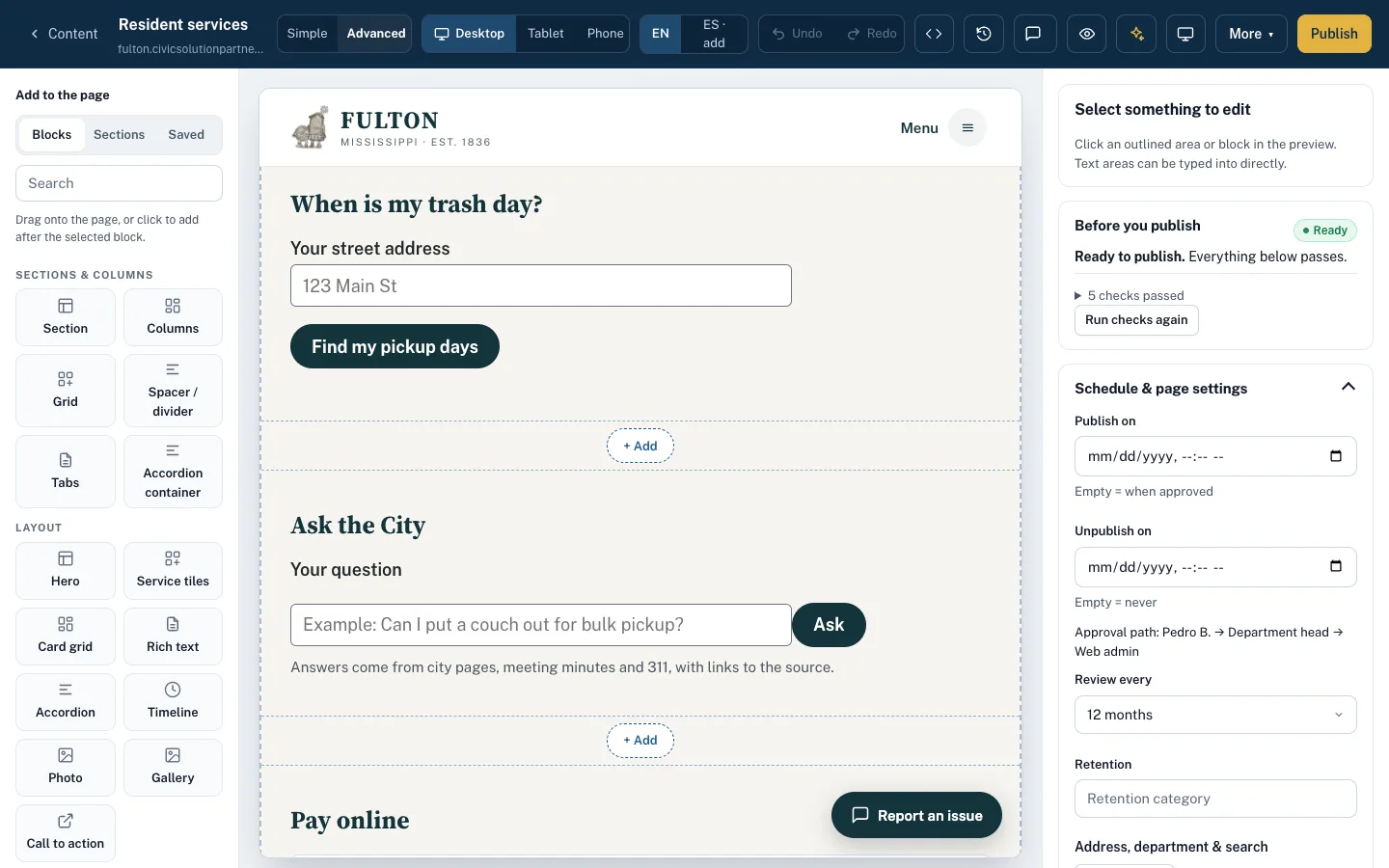
Maps, custom HTML, weather, meetings, forms, report-a-problem, events, officials, documents, trash day, bill pay, bids, jobs and more — each one certified for accessibility.
- Officials and directory pulled from your staff list
- Meetings and events update themselves
- Custom HTML is cleaned, sandboxed and checked
Starter pages, facts and synced modules
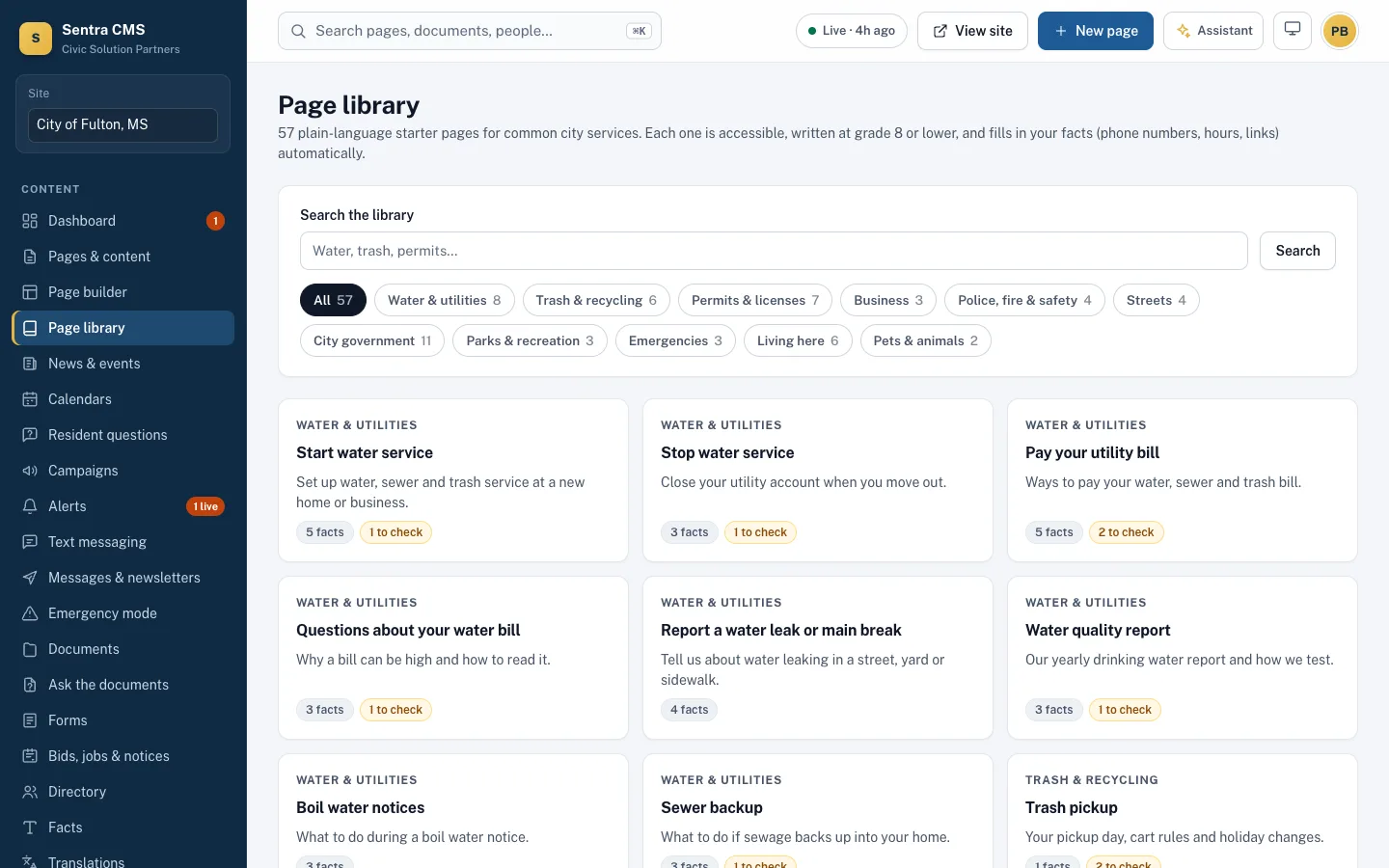
Start from 57 plain-language pages for common city services. Phone numbers, hours and fees live as Facts, and shared sections are synced modules — change them once, everywhere.
- Starter pages written at grade 8 or below
- Facts like {{fact.city_hall_phone}} fill in automatically
- Synced modules show where they’re used before you edit
Every save is a version you can go back to
Drafts autosave. Nothing goes live until it’s published or approved, and every version can be compared and restored.
- Signed preview links to share a draft for 7 days
- Publish now, schedule for later, or set an unpublish date
- Review reminders so pages don’t go stale
Questions
Do editors need to know HTML?
No. Editors drag blocks, click text and type, and pick photos from the media library. Designers and developers can still edit the HTML templates directly.
Can someone who doesn’t use a mouse edit pages?
Yes. Every builder action has a keyboard alternative, and the admin itself is checked against WCAG 2.1 AA.
Can we keep our current design?
Yes. Import your current site or a new design as an HTML template; Sentra CMS finds the editable parts and turns them into simple fields. See templates and Git publishing.
Related features
Widgets & maps
Maps with text lists, weather, road closures, data tables, charts, video, feeds and custom HTML — all checked.
Learn moreAccessibility enforcement
A WCAG 2.1 AA gate on every publish, nightly health scans, ADA Title II readiness and an ACR/VPAT on request.
Learn moreAI assistant & content advisor
A staff assistant that only drafts, “Ask the city” for residents (answers only from your site, routes the rest), and a content advisor.
Learn moreSee Sentra CMS with your own website
We’ll scan your current site for free, then show you what it looks like on Sentra CMS, accessible from day one.