From your current website to Sentra CMS
A migration that fixes accessibility on the way in and keeps every old link working. Here’s exactly what happens.
Migration steps
- Day 1
Free scan
We scan your current site’s pages and PDFs against WCAG 2.1 AA.
Plain-English report - You + us
Migration plan
Every page and document is mapped to its new home. You review the plan.
- Automatic
Import & fix
Pages import as drafts; PDFs are checked; images get alt text suggestions.
- Your team
Review & train
Your staff review drafts and learn the editor on their own pages.
- Launch
Go live
Switch the domain. Every old address redirects to its new page.
No broken links
A plan you can read before anything moves
We crawl your current site — CivicPlus, Granicus, Revize, WordPress, Wix and others are recognized — and map every page and document to its new home.
- Every page with its new address and department
- Every PDF with its accessibility status
- What needs a person, listed up front

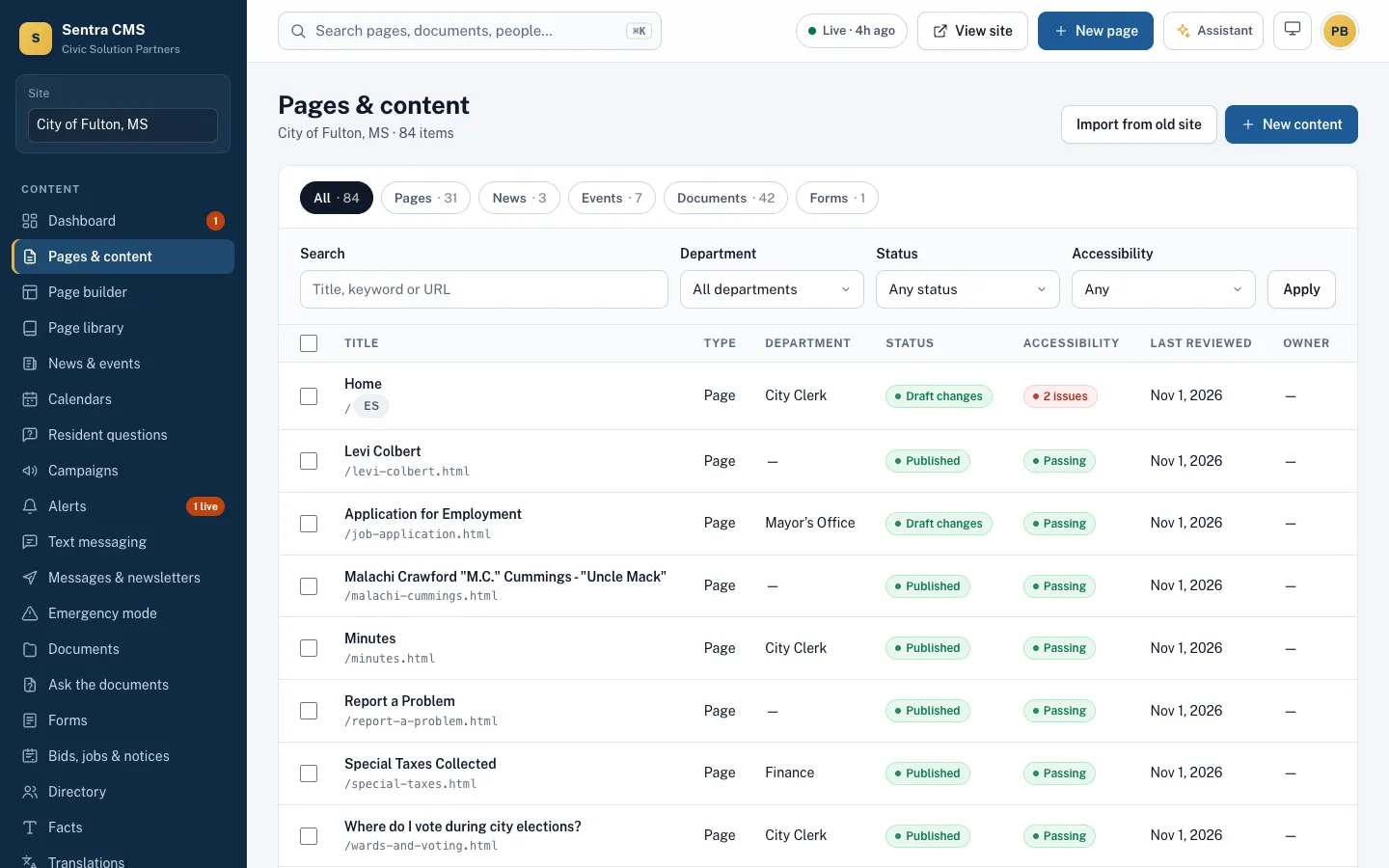
Imported as drafts, reviewed by your staff
Pages arrive as drafts in your design. Documents are checked; images get alt text suggestions. Your staff learn the editor on their own pages.
- Training for editors, department heads and admins
- Approval workflows set up per department
- Pre-written pages for common services, if you want them
Launch with every old link working
Switch the domain. Every old page and document address redirects to its new page. After launch, broken links people hit show up with a one-click fix.
- Permanent (301) redirects for pages and documents
- Search engines keep finding you
- Your site published to your Git repository

Start with a free scan
See how your current site measures up, then we’ll send a migration plan with your quote.