Report a problem, connected to the crews who fix it
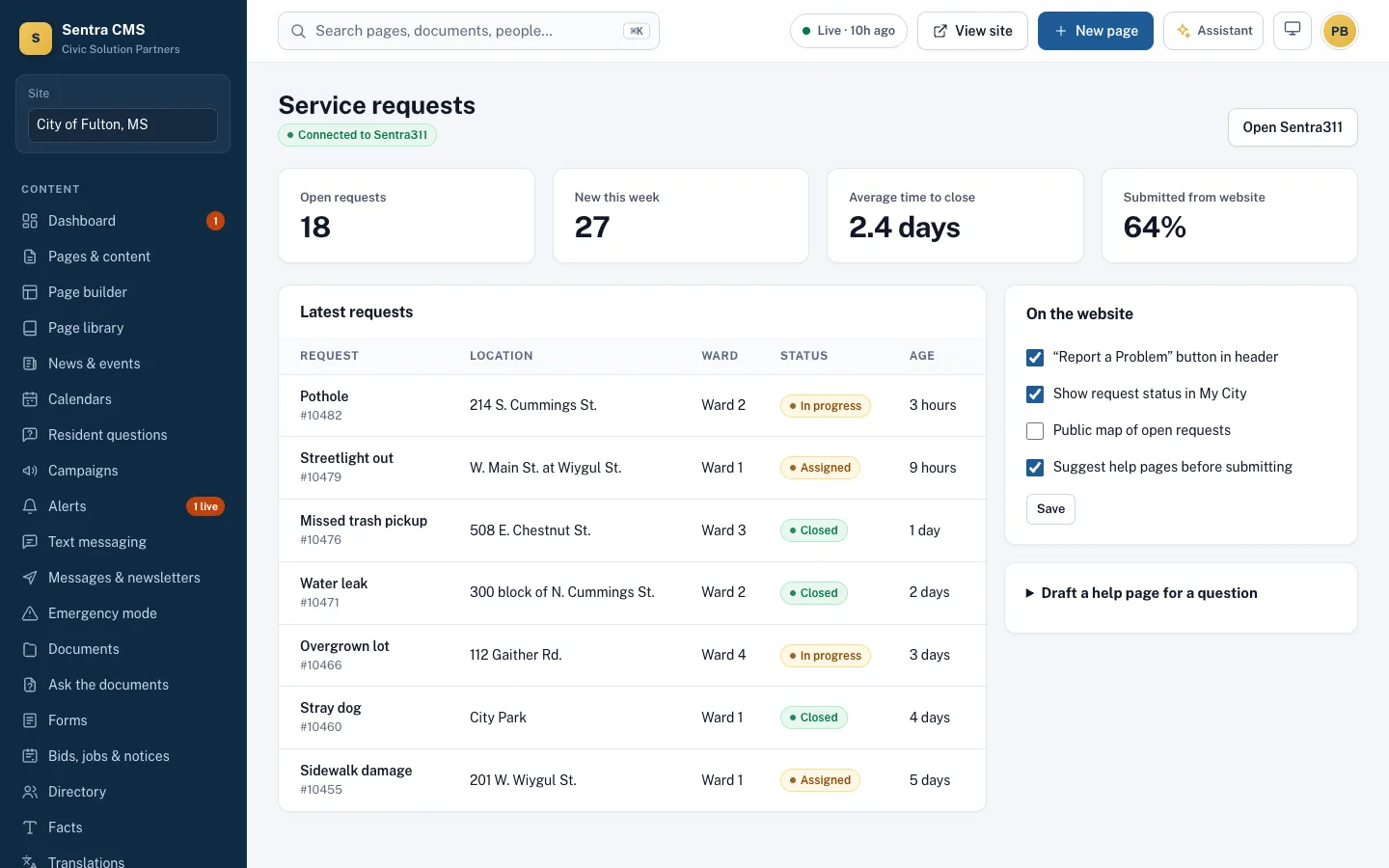
Add the Sentra 311 report button and form to your site in a click. Residents report potholes and leaks; staff see requests, trends and the questions a help page should answer.
What it looks like on a normal day
- When
A resident spots a pothole on her street
ThenShe taps Report a problem in the header, drops a pin and adds a photo; the case lands with the Streets crew.
- When
Twelve people report the same leak this week
ThenThe request trends show it — and suggest a help page so the next person finds the answer first.
Requests where residents already are
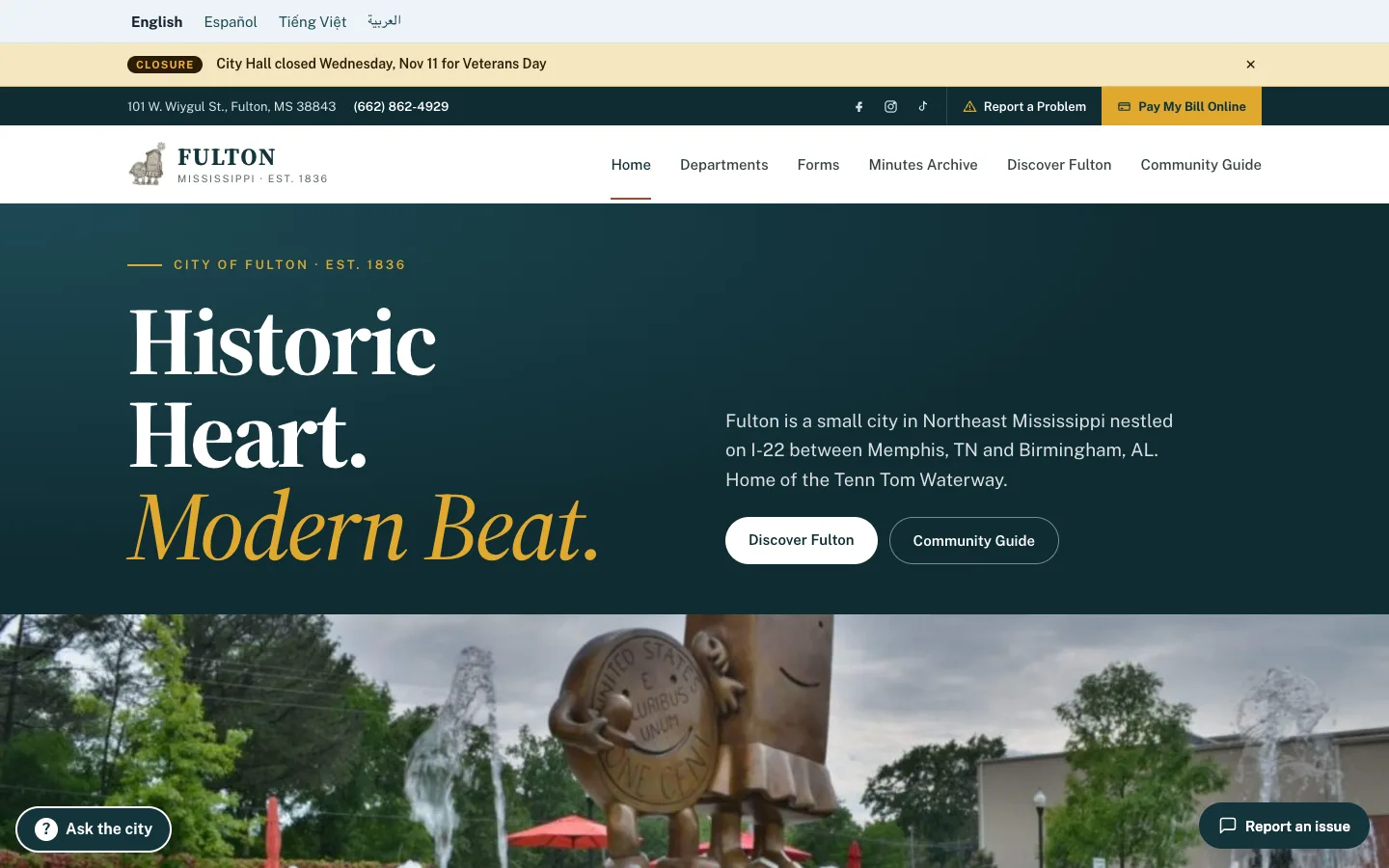
A ‘Report a problem’ button in the header, an inline form on any page, request status in My City, and help pages suggested before someone submits.
- Form submissions can create 311 cases automatically
- Content gaps: questions that should be a help page
- Sentra 311 customers get a discount on Sentra CMS
Questions
Can we use another 311 system?
Yes. Link to it from the header and forms, or connect it through webhooks or Zapier. Sentra 311 is built in.
Related features
Resident portal (My City)
Address-based answers: ward, trash day, polling place, nearby alerts — plus resident accounts and push notifications.
Learn moreOnline forms & payments
Accessible forms with steps, conditions, routing, file uploads and fees paid into your own Stripe account.
Learn moreMeetings & calendars (CivicCA)
CivicCA agendas, minutes and video on your site, department calendars, and website updates suggested from minutes.
Learn moreSee Sentra CMS with your own website
We’ll scan your current site for free, then show you what it looks like on Sentra CMS, accessible from day one.