Widgets for everything a city website needs
Maps, weather, road closures, outages, bids, jobs, trash day, bill pay, video, social posts and more. Every widget is certified for accessibility, and maps and charts always come with a text version.
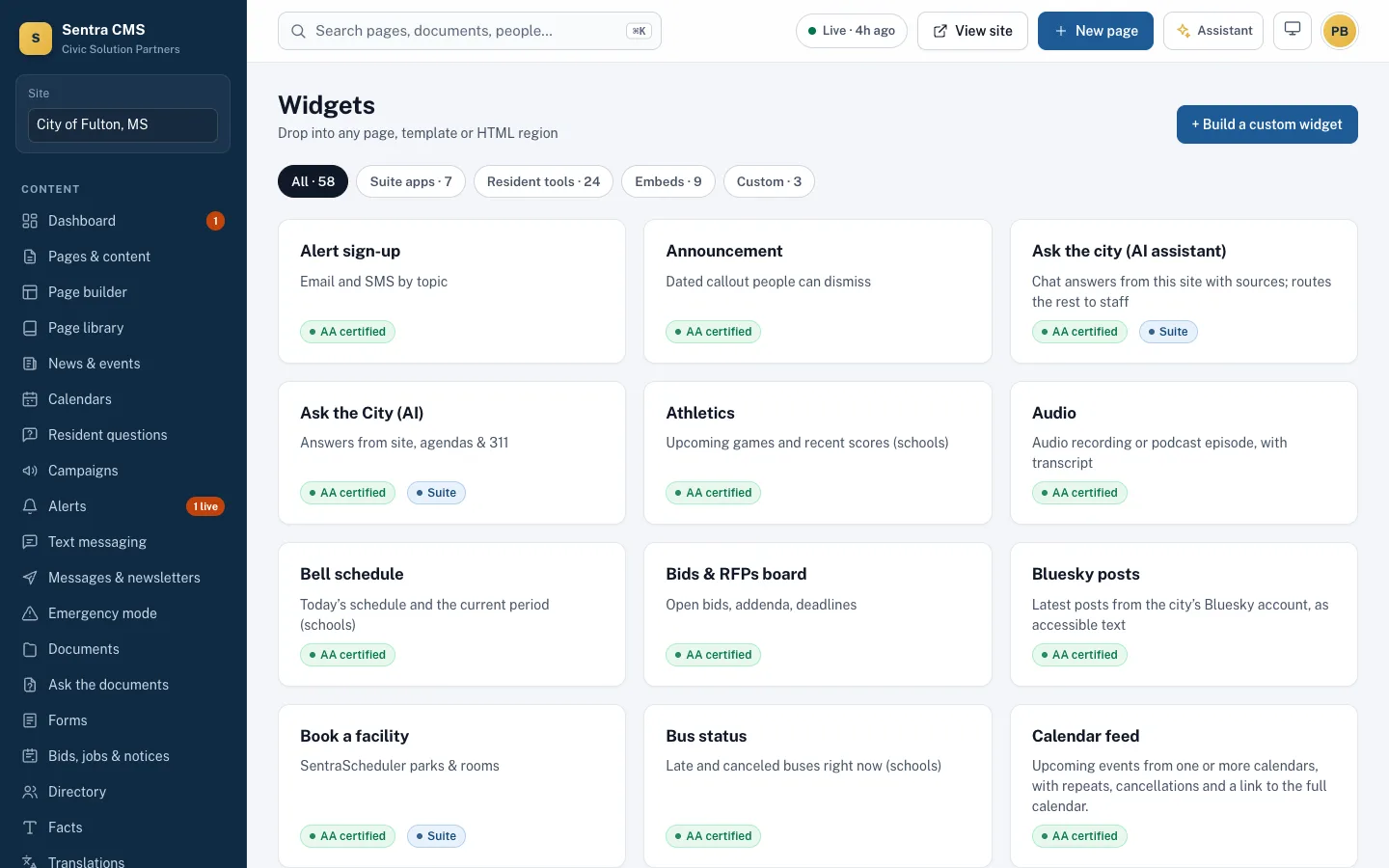
What it looks like on a normal day
- When
Public Works closes a bridge for repairs
ThenAdd the closure with dates and a detour; it shows on the map and in the text list, and comes down by itself.
- When
Your parks layer lives in ArcGIS
ThenPoint the map widget at it; residents get pins plus a filterable ‘List only’ view.
- When
Purchasing posts an addendum to a bid
ThenEveryone who marked interest in that bid gets the addendum by email.
Maps that work for everyone
Pins from a list, GeoJSON or ArcGIS, with category filters and a ‘List only’ view. Charts include a data table; Socrata and CSV data become sortable tables.
- National Weather Service forecast and warnings
- Road closures and outages with dates and detours
- Budget charts and open-data tables

Video, feeds and your own code
YouTube and Vimeo load only when clicked and need captions. Add Bluesky posts, RSS feeds, countdowns, or your own HTML — scripts run in a sandbox.
- Custom HTML is cleaned and accessibility-checked
- Custom code is limited to developers and web admins
- Uncertified widgets can only be used in drafts

The tasks residents come for
Trash day lookup, bill pay, facility booking, ‘open now’ hours, rate calculator, status lookup, FAQs, bids, jobs and public notices.
- Bids with addenda emails to interested bidders
- Job postings with search-engine job markup
- Notices that come down on their removal date
Questions
Can we build our own widget?
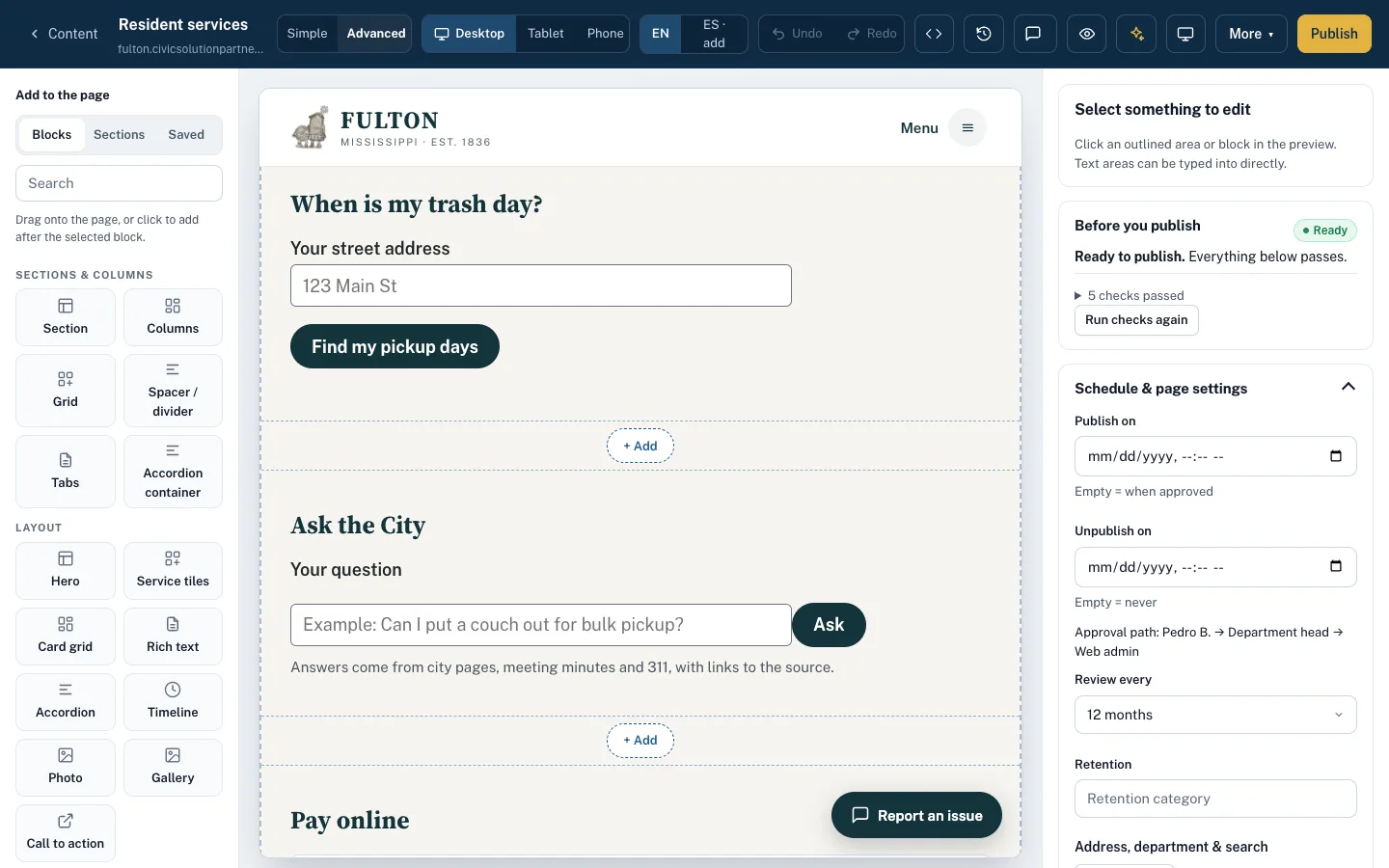
Yes. Developers write a small HTML template with settings; editors drop it in and fill a form. It must pass certification before it can be used on public pages.
Related features
Page builder
A simple editor anyone can use — click and type, drag in photos — plus an advanced builder with about 45 widgets.
Learn moreAccessibility enforcement
A WCAG 2.1 AA gate on every publish, nightly health scans, ADA Title II readiness and an ACR/VPAT on request.
Learn moreSmart search
Answers from pages, PDFs, minutes and FAQs, with sources — and a report of what residents couldn’t find.
Learn moreSee Sentra CMS with your own website
We’ll scan your current site for free, then show you what it looks like on Sentra CMS, accessible from day one.